Skip to content

Mobile Food & Beverage Ordering

Make it easier to order more of what you serve.

Bring your menu to your guests’ phones and give them the freedom to order when they’re ready. Branded digital menus, table and room ordering, and one place for your team to receive every selection.

No guest app. No guest account. Your menu, your identity.
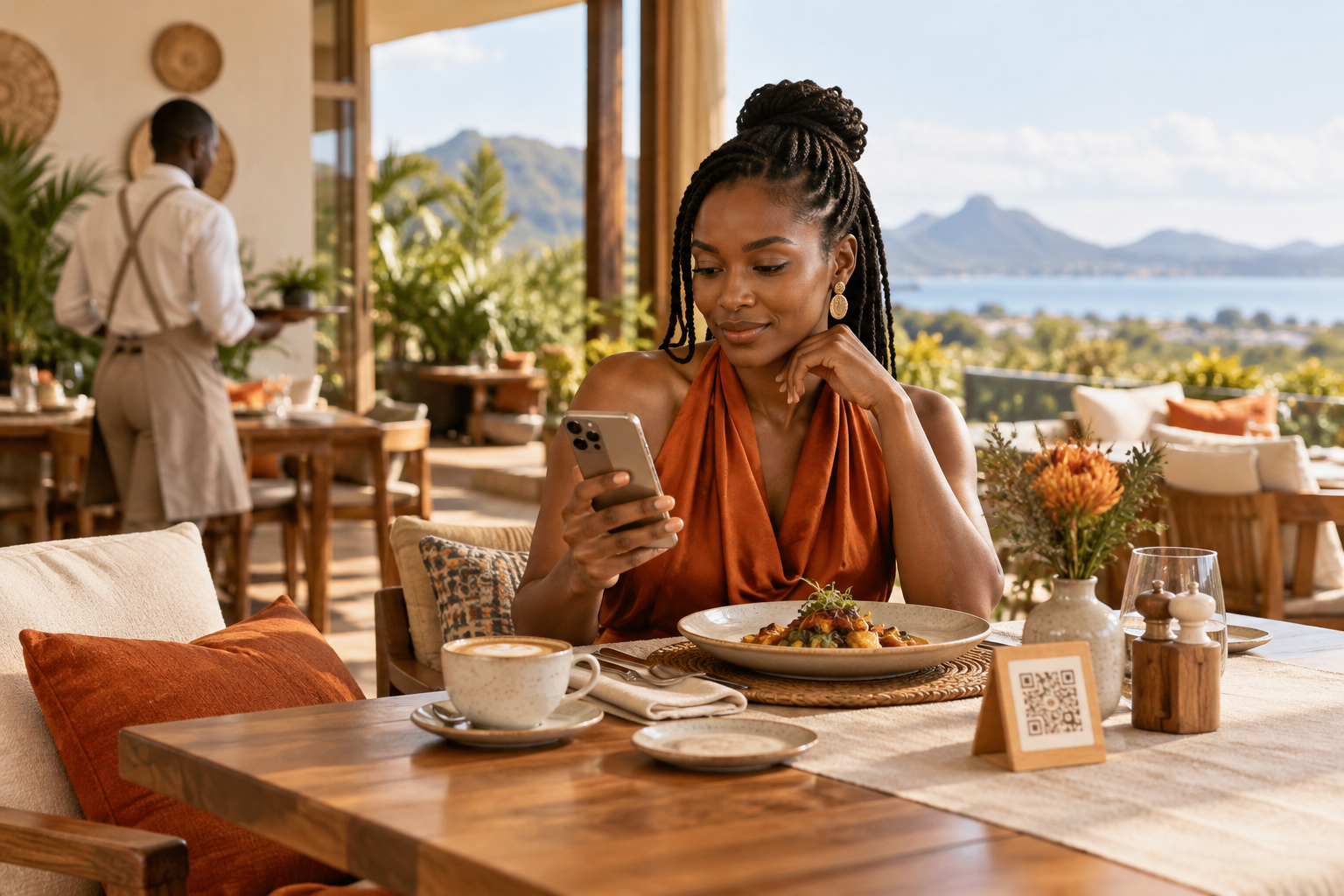
A restaurant guest using her phone to order beside a plated meal and table QR code
Ordering that fits naturally into the guest experience. Explore the product demo
RestaurantsCafésBars & loungesHotels & lodgesPrivate dining

Food & beverage ordering, made simple.

From the first coffee to another round or dinner in the suite, give guests a convenient way to browse and order. Your team receives the selection with its table or room details attached, ready to review and fulfil.

  1. 01

    Scan

    Open the menu from the table or room QR.

  2. 02

    Browse

    Discover dishes, drinks and house favourites.

  3. 03

    Choose

    Make a selection and add any notes.

  4. 04

    Send

    Submit the order for your team to review.

See how ordering works
Guests scan a QR code assigned to their table, room or service section, select items and submit their order. A member of your team reviews it, passes it through your existing kitchen process and updates its status. Guests can follow progress and exchange messages about their order.

Free up staff time & be more efficient.

By removing touchpoints and sending orders direct to the kitchen, you can save labour, boost productivity and streamline operations.

Wait times are reduced, customer service is improved and you can serve more covers. Guests can also pay online when they’re finished, so you’re ready for your next guests.

Discuss Your Service Setup
  • Keep the details together

    Each selection arrives with its service location and guest notes.

  • Review incoming orders

    Give your team a clear place to see what guests have requested.

  • Keep guests informed

    Update progress and respond to messages about their order.
See how orders reach your team
A designated staff member monitors the dashboard on a connected device. New orders are highlighted, with optional sounds and supported browser notifications. Your team passes orders into your existing kitchen and till process and controls acceptance, preparation and fulfilment.
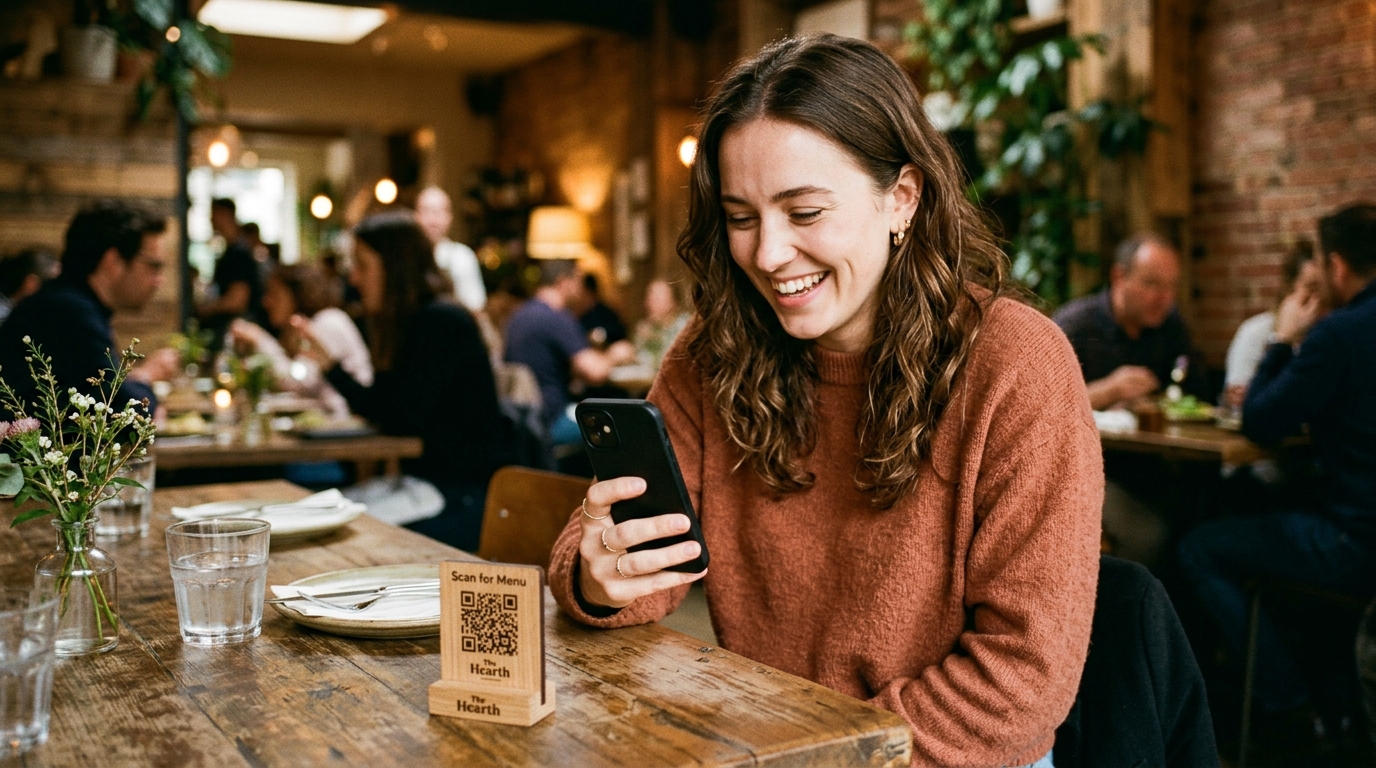
A seated restaurant guest browsing on her phone beside a menu QR stand
From a café table to a guest room: ordering from a familiar device.

Convenience that complements your service.

Let guests choose at their own pace. They can explore your menu, decide what they would like and send an order without waiting for someone to take down their selection.

Your team remains available for the advice and attention that make hospitality personal.

Try Mobile Ordering
Explore the guest experience
Guests do not need an app or account. For in-house orders, they can include notes, view order status and exchange messages with your team. Order acceptance, preparation and delivery times depend on your venue’s staff.

Keep your menu within reach.

Give returning customers an easy way to find what they enjoyed. Share your delivery menu link or place a QR code on your packaging. Customers can browse your current offering, prepare their selection and send it to your team through WhatsApp.
How delivery ordering works
Enable delivery and WhatsApp ordering, then share your delivery link or QR code. Your team confirms delivery arrangements and payment with the customer. This flow is handled through WhatsApp, separately from in-house dashboard orders.
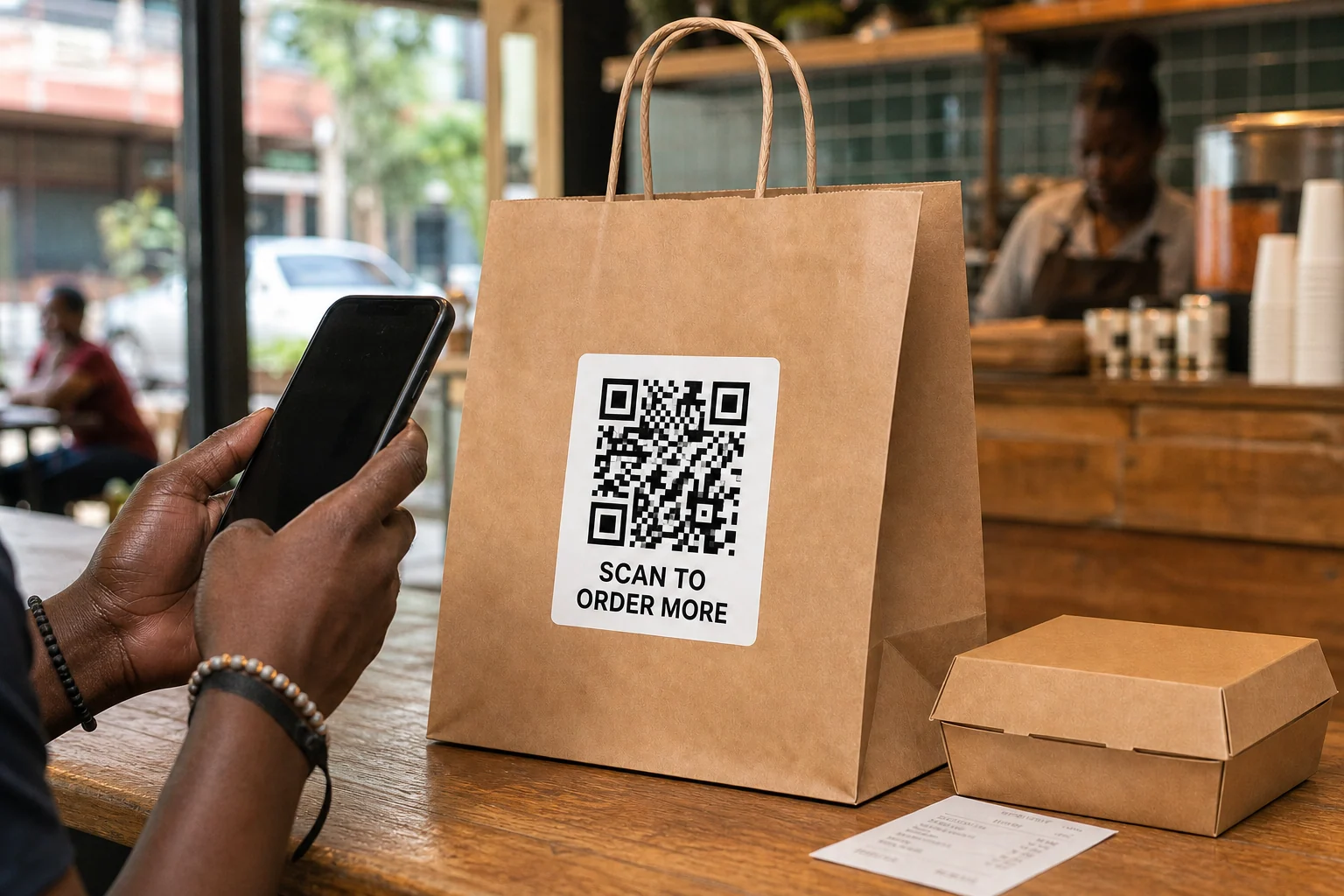
Illustrative takeaway packaging with a menu QR code beside a customer's phone
An example of placing a delivery menu QR on takeaway packaging.

Built for the way you serve.

01

Restaurants & private dining

Showcase your dishes and give guests the option to order from their table alongside your existing waiter service.

02

Cafés

Make breakfast, lunch and another coffee easy to order. Let seated guests browse while your team looks after the room.

03

Bars & lounges

Keep the conversation going. Guests can choose their drinks and order another round without leaving their seat.

04

Hotels & lodges

Bring your food and beverage offering into guest rooms. Receive room orders with their service location attached for your team.

Find the Right Fit for Your Venue

See the difference mobile ordering can make.

Compare LinkMenuz with a service that relies on printed menus and in-person or phone order taking.

LinkMenuz compared with printed menus and in-person or phone ordering
What mattersWith LinkMenuzMobile OrderingWithout LinkMenuzPrinted menus · In-person / Phone
Sales opportunitiesFeatured dishes, photographs and extras give guests more of your offering to discover as they browse.Additional recommendations rely on the printed menu and conversations with staff.
Taking ordersGuests submit selections from their phones, with incoming orders collected in one dashboard.Each order needs a staff member to take it at the table or over the phone.
Additional roundsGuests can reopen the menu and send another order from their seat.Guests need to reach a server or call again to place another order.
Order detailsItems, quantities, service locations and guest notes arrive together for review.Staff record and pass the details through the venue’s existing process.
Menu updatesPublish changes through the same QR codes.Printed menus need replacing or supplementing when the offering changes.
Sold-out itemsMark dishes unavailable on the digital menu during service.Staff explain availability verbally or amend printed materials.
Guest updatesGuests can view order progress and exchange messages about their order.Updates usually require a conversation or phone call.
Menu insightsReview recorded menu activity and order analytics.Printed menus do not capture browsing activity; other systems may provide sales reports.

The comparison describes ordering workflows. Service speed and fulfilment depend on your team.

Your menu. Your brand.
One place to manage orders.

Mobile ordering

Give guests a direct route from browsing to submitting their selection.

Branded digital menus

Present your food and drinks with your logo, photographs and a visual style suited to your venue.

Central order management

Keep incoming in-house orders, service locations and guest notes together for your team.

Explore setup and day-to-day use
Build your menu, choose its presentation and publish it. Create QR codes for your tables, rooms or service sections, then test the full ordering journey before launch. Keep the dashboard monitored during service, update progress and adjust availability as needed.

More ways to make your menu work for your business.

From presentation to service, explore what is included. Open any feature for the details.

Mobile F&B ordering
Let guests browse and submit food and drink selections from their own phone.
Table & room identification
Receive in-house orders with their service location attached.
Featured dishes & extras
Give selected items more visibility and offer available extras with the guest’s selection.
Branding & presentation
Choose a theme and add your venue’s logo, menu photographs and descriptions.
Live menu updates
Publish changes to your menu without replacing existing QR codes.
Dish availability
Mark items unavailable as your offering changes during service.
Order management
Review incoming orders and update their status from your dashboard.
Guest messaging
Keep questions and replies connected to an in-house order.
Menu & order analytics
Review recorded activity to inform menu and service decisions. Recorded order value is distinct from payments collected.
WhatsApp delivery ordering
Let delivery customers prepare a selection and send it to your WhatsApp.
Ordering controls
Pause new in-house orders while guests continue browsing.
No guest app required
Open the menu in a browser without a download or guest account.

Explore mobile ordering from the guest’s side.

Take a seat at The Aura Table, our demonstration dining venue. Browse the dishes, discover a signature selection and build your order. See how LinkMenuz could introduce guests to everything you serve.

Open the Demo

The Aura Table is a fictional venue. The demonstration does not send real orders.

Scan to open the LinkMenuz guest demo
Scan to explore on your phone

Frequently asked questions.

Explore setup, service and what is included.

Speak with Our Team
Is LinkMenuz suitable for my venue?
LinkMenuz supports restaurants, cafés, bars, lounges, hotels, lodges and private dining spaces. It suits venues that want a digital menu and a way to receive orders from identified tables, rooms or service sections.
Do guests need an app or account?
No. Guests open your menu in their phone’s browser.
Can guests still order through our staff?
Yes. Mobile ordering can sit alongside your existing waiter and room-service processes.
How does our team receive orders?
In-house orders appear on your LinkMenuz dashboard with their service location, items and guest notes. Your team monitors the dashboard, reviews orders and handles fulfilment.
Does LinkMenuz connect to our existing till or kitchen system?
The current product receives in-house orders in its own dashboard. Your team passes them into your existing kitchen and till process.
Can guests pay or charge an order to their room through LinkMenuz?
The current in-house ordering flow does not provide integrated guest payment or room-bill charging. Your venue handles payment through its existing arrangements.
Can we change prices and availability?
Yes. Publish menu changes through the existing QR codes and mark dishes unavailable during service.
What does setup involve?
Add your menu, choose its presentation, publish it and create your service-location QR codes. Test ordering and agree who will monitor incoming orders before launch.
Can you help us get started?
Contact us to discuss setup and printed QR materials. We will confirm available assistance, its scope and any separate costs.

Make your next ordering opportunity easier to capture.

Bring mobile food and beverage ordering to your venue. Help guests discover more of your menu, make their selection and stay connected to your team—from the first order to the final round.